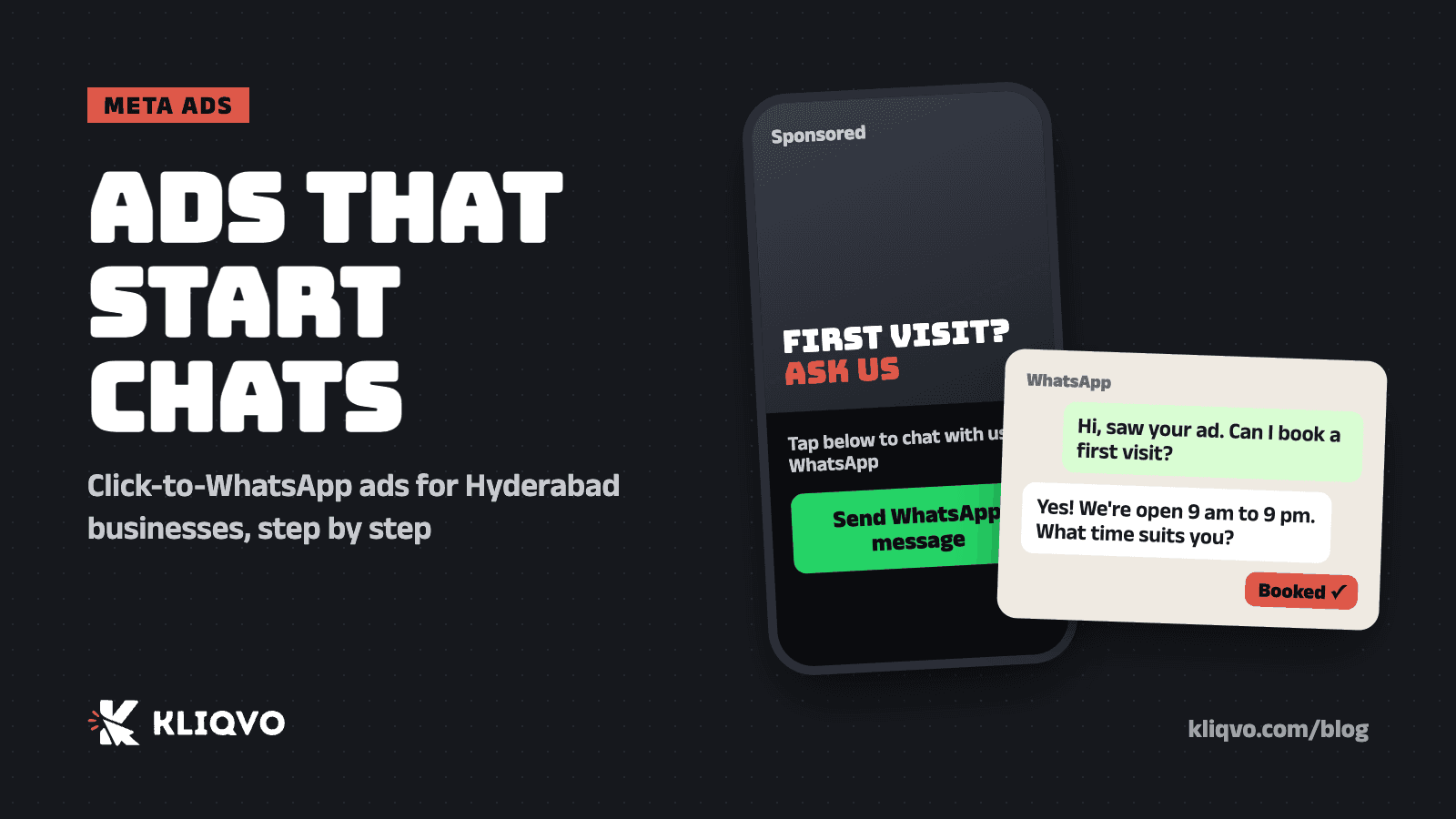
Short answer: a click-to-WhatsApp ad is an Instagram or Facebook ad with a Send message button that opens a WhatsApp chat with your business. For a Hyderabad business, the setup that works is one clear offer, shown only within 5 to 10 km of you, with an instant reply and a person following up quickly. You create it in Meta Ads Manager by choosing WhatsApp as the place people message you.
Why WhatsApp works so well in Hyderabad
Most of your customers already use WhatsApp every day. Asking them to fill a form or visit a website loses people. A WhatsApp chat feels like messaging a shop they know:
- One tap from the ad to a conversation
- They can ask a question first, which suits people who aren't ready to book
- You get their number and the conversation in one place, for follow-up
Before you start
You need:
- A WhatsApp Business number
- That number connected to your Facebook Page or business portfolio
- A Meta ad account with a payment method
Step 1: Create the campaign in Ads Manager
WhatsApp's own guide gives these steps:
- Open Ads Manager and click Create.
- Choose your campaign objective. Engagement is the usual choice for getting more messages.
- Under Conversion, select Messaging apps, then WhatsApp.
- Set your dates and budget. WhatsApp suggests running the ad for at least seven days.
- Choose your audience.
- Pick an ad format, add your images or reel and write the text.
- Customise the responses people see when the chat opens, then publish.
Menu names change from time to time, so follow the labels on your screen if they differ slightly.
Step 2: Give people one clear reason to message
An ad that just says "Message us" gets few chats. Give one specific reason:
- A first-visit offer. For Pawfex, a pet hospital in Hyderabad, our ads offered a free consultation on a pet's first visit, and people messaged to claim it.
- A price or a package: "Bridal makeup packages: see the looks and prices on WhatsApp."
- A question people already have: "Not sure which plan is right? Ask us on WhatsApp."
Clinics and doctors treating people should note that the National Medical Commission's 2026 guidelines don't allow free-consultation offers, discounts or testimonials. Read how clinics can market under the NMC rules first.
Step 3: Keep the area close
Show the ad only near your business:
- Start within about 5 km, then widen to about 10 km if you need more chats. That's what we did for Pawfex.
- WhatsApp's guide says larger audiences of 2 to 10 million people perform best. A 5 km radius in Hyderabad is far smaller, so expect Meta to need a little longer to learn. For a local business, reaching people who can actually visit matters more than a big audience.
Step 4: Use the reel that already works
Your best organic reel is usually your best ad, because people have already shown they like it. Add the offer as text in the first two seconds, and end with "Tap Send message". Our guide on how to make reels that bring customers covers this.
Step 5: Reply fast, with a person behind the bot
The ad only starts the conversation. What happens next decides whether you get a customer:
- Set an instant reply with your timings, location and the next step, such as "Reply with a time that suits you".
- Have a person reply within minutes during working hours. People message several businesses and go with whoever answers first.
- Label each chat in WhatsApp Business, for example new, booked or visited, so nobody is forgotten.
Step 6: Track chats, then visits
In Ads Manager, look at messaging conversations started and the cost per conversation. Then track what really matters: how many of those chats became bookings or visits. A simple sheet with the date, name and "came in: yes or no" is enough to start.
How much to spend
A small local business can test click-to-WhatsApp ads with a few thousand rupees a month. Pawfex ran its Meta ads on ₹5,000 a month alongside ₹5,000 on Google. For how to set a budget that fits your business, read how much to spend on Meta ads in India.
Want us to run them?
We set up click-to-WhatsApp ads for Hyderabad businesses, write the offer, make the reel and report every Monday on chats and visits. See performance ads or our Hyderabad page, or start with a free Instagram audit.
Sources
- WhatsApp Business, How to create ads that click to WhatsApp: setup steps in Ads Manager, the seven-day run and audience size guidance.
- National Medical Commission, Guidelines on Ethical Advertising and Public Communication, 6 October 2026.