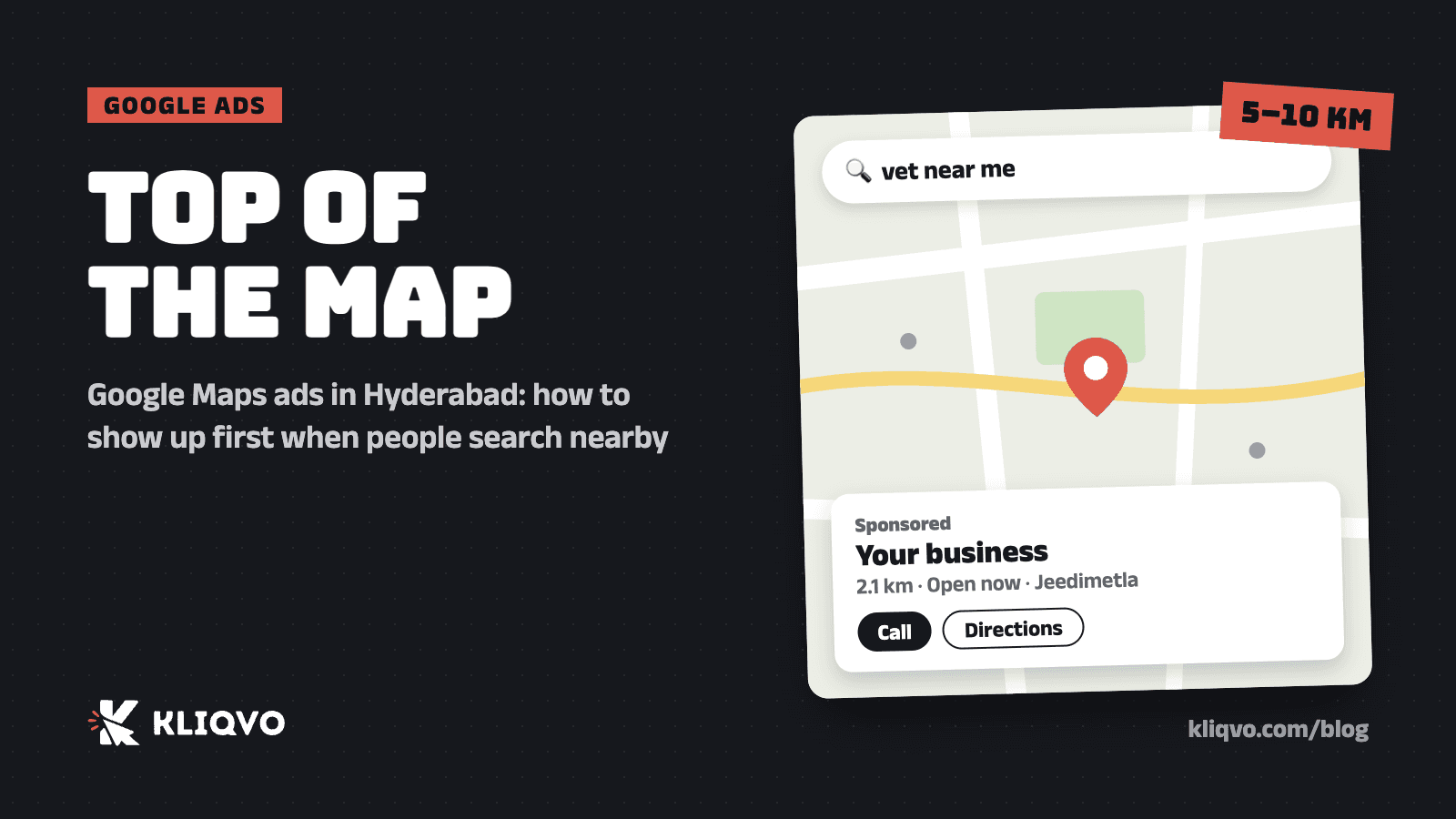
Short answer: to show up first on Google Maps in Hyderabad, link your Google Business Profile to Google Ads, run a campaign that uses location assets, and show it only to people within 5 to 10 km of your business. Your ad can then appear as a sponsored result on Google Maps, with your distance, a call button and directions. A local business can start with a few thousand rupees a month. Pawfex, a pet hospital we worked with, spent ₹5,000 a month on Google ads.
What a Maps ad looks like
When someone searches "vet near me", "gym in Kukatpally" or "dentist Gachibowli", Google can show your business beside, above or below the normal Maps results, marked as sponsored. According to Google, an ad with location assets can show:
- Your distance and area on mobile, or your street address on a computer
- A Call button
- A details page with your hours, phone number, photos and directions
The details come straight from your Google Business Profile, so the profile has to be right first.
Step 1: Get your Google Business Profile right
Google Ads takes your address, phone number, hours and photos from your Business Profile. Before spending anything, check:
- The business name matches your signboard exactly. Google can reject names with unusual capitals, punctuation or symbols.
- Category, hours and phone are correct, including holidays.
- The profile is verified and not marked as closed. Locations marked closed won't show in ads.
- There are real photos of the outside, the inside and your team at work.
Step 2: Link the profile to Google Ads
In Google Ads, open Tools → Shared library → Location manager. Click the plus button, choose Our locations, then Google Business Profile, and either pick the account that manages your profile or request access by email.
If an agency runs your ads, they request access and you approve it. You stay the owner of the profile.
Step 3: Set up the campaign
Two common ways to appear on Maps:
- A Search campaign with location assets. Your search ads can also show on Maps with your location attached.
- Performance Max with a store visits goal. Google spreads the ad across Maps, Search, YouTube and other placements.
For most small local businesses, start with a Search campaign. It is simpler to control and easier to understand.
Step 4: Keep the area small
Most of your customers live or work a few kilometres away. Showing ads across all of Hyderabad wastes money on people who will never travel to you.
- Start with about 5 km around your business.
- Widen to about 10 km once the first campaign is working, or if you're not getting enough calls.
For Pawfex we ran the first campaign within 5 km of the hospital, then widened the second to 10 km.
Step 5: Choose the searches you want to win
Think about what people actually type, in English and transliterated Telugu:
- Service + near me: "vet near me", "physiotherapy near me"
- Service + area: "gym in Miyapur", "salon in Kondapur"
- Urgent needs: "24 hours pet hospital", "emergency dentist"
Add searches you don't want as negative keywords, for example "jobs", "course" or "free".
Step 6: Track calls and directions, not just clicks
What matters is people contacting you or turning up. In Google Ads, look at:
- Calls from the Call button
- Direction requests
- Clicks to your website or WhatsApp
Ask new customers "how did you find us?" for the first few weeks. It's the simplest way to check the numbers.
Common mistakes
- Wrong or missing hours. People call when you're closed and you pay for nothing.
- A radius that's too wide. Your budget runs out on people across the city.
- Nobody answering the phone. A missed call from a paid ad is money lost. Make sure someone picks up during ad hours.
- Advertising a location you don't own. Google only lets you advertise a location with the owner's approval, so link your own profile.
How it fits with Instagram
Maps ads catch people who are already searching. Instagram reels and ads reach people before they search. Together they work best: the reel makes your name familiar, and the Maps ad makes you easy to find. Read click-to-WhatsApp ads for Hyderabad businesses for the Instagram side, and our Meta ads budget guide for how much to spend there.
Want us to set it up?
We set up and run Google Maps and Search ads for Hyderabad businesses, judged by calls and visits, with a report every Monday. See performance ads or our Hyderabad page, or start with a free Instagram audit.
Sources
- Google Ads Help, About location assets: where location assets show, what they display and how to link a Business Profile.
- Google Ads policy, Location asset requirements.